 Fliqen
Make a short AI music video, one shot at a time
A hands-on walkthrough of generating a rainy-city sequence in Fliqen, then cutting it into a 24-second vertical video with music.
We used the live Fliqen website for the visuals. The soundtrack and final edit were made locally. This is a short atmospheric music-video example, not a test of full-song automation, singing lip sync or a continuous character story.
1. Decide what the music needs
Start with a short, finished audio excerpt. Our example uses an original synthetic instrumental at 120 BPM in 4/4. Four bars last eight seconds, so three four-bar phrases give us a simple 24-second structure. If your song has another tempo, map its actual phrases instead of copying these timestamps.
We planned an establishing view, a detail shot and a closing reveal. A common blue-and-magenta palette connects them. Each shot asks for one restrained movement rather than several events.
| Edit time | Visual purpose | Movement |
|---|---|---|
| 0–8 seconds | Rainy street: establish the setting | Slow forward move |
| 8–16 seconds | Window droplets: change scale | Gentle sideways move |
| 16–24 seconds | Rooftops at dawn: close the sequence | Slow rise |
2. Set up the first shot in Fliqen
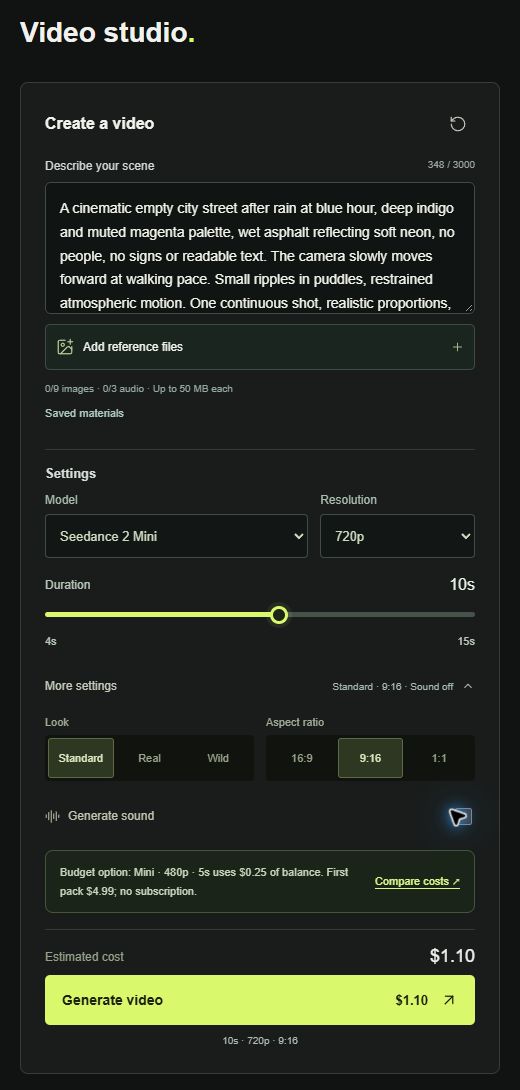
Open the studio and enter the first prompt below. Select Seedance 2 Mini, 720p and 10 seconds. Expand More settings, select 9:16, keep the Standard look and turn Generate sound off. We wanted our own soundtrack to remain the only audio in the edit.
This run used text prompts only. There were no image or audio uploads. At the time of this run the displayed estimate was $1.10 of account balance per take. This is a generation charge, not a promise that a new customer can purchase exactly that amount of credit.
3. Generate the three takes
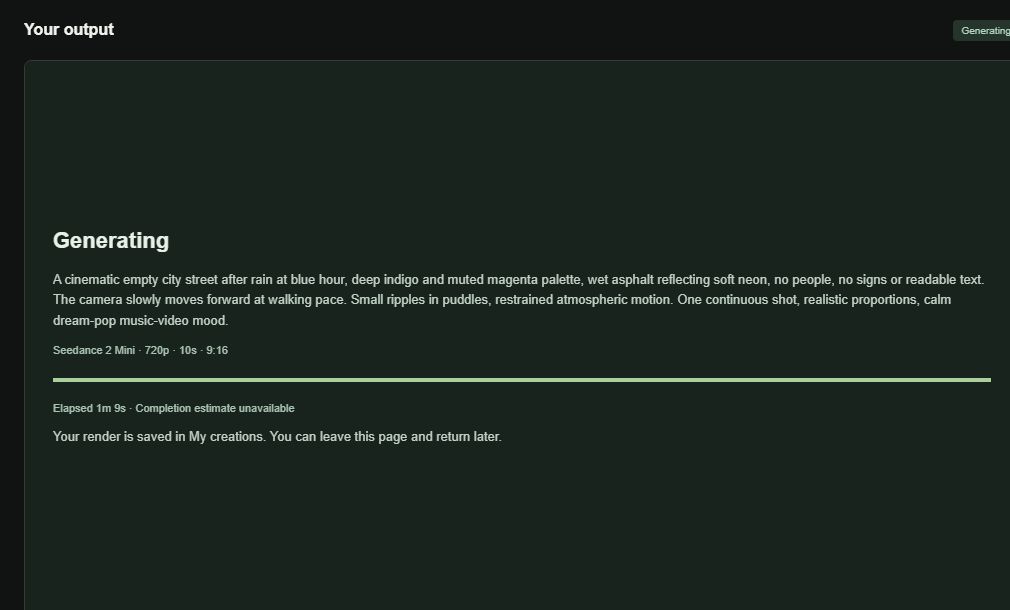
Submit the first shot and wait for its result. The studio shows elapsed time, but did not provide a completion estimate during this run. Our first two takes each required several minutes. While a render was active, the main button led back to that render, so we submitted sequentially.
Take 1 — rainy street
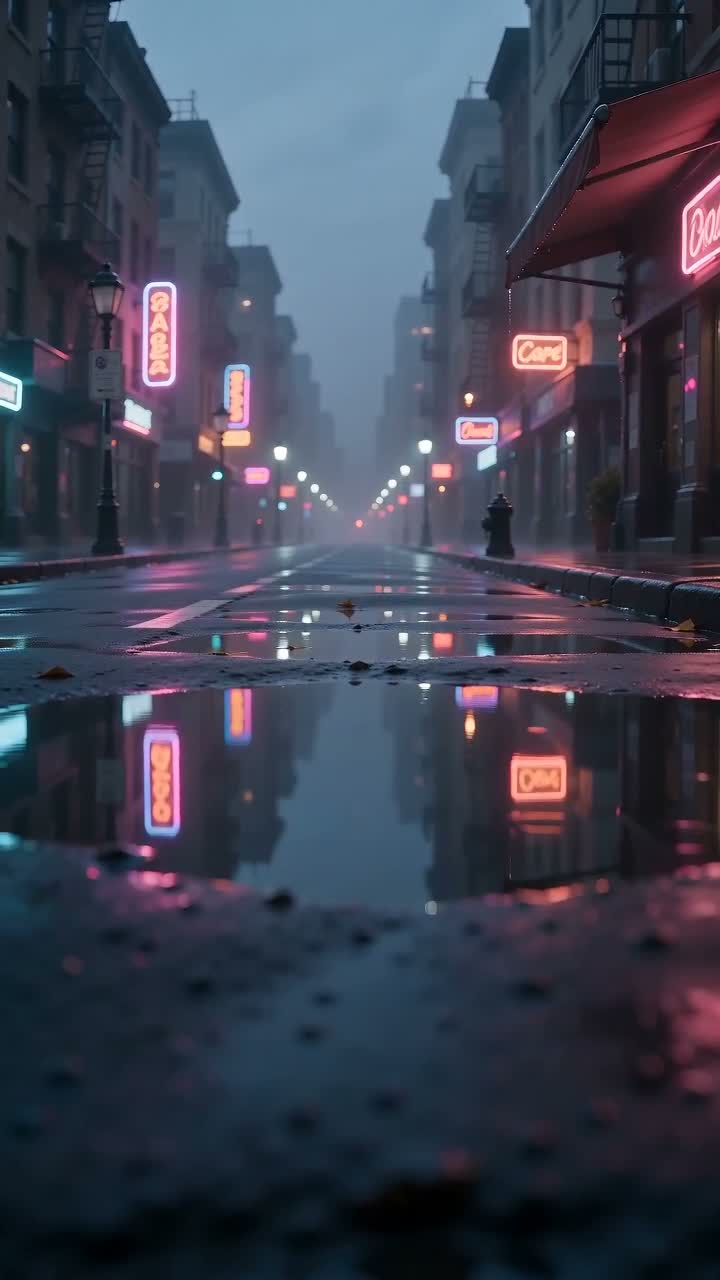
A cinematic empty city street after rain at blue hour, deep indigo and muted magenta palette, wet asphalt reflecting soft neon, no people, no signs or readable text. The camera slowly moves forward at walking pace. Small ripples in puddles, restrained atmospheric motion. One continuous shot, realistic proportions, calm dream-pop music-video mood.
Take 2 — window detail
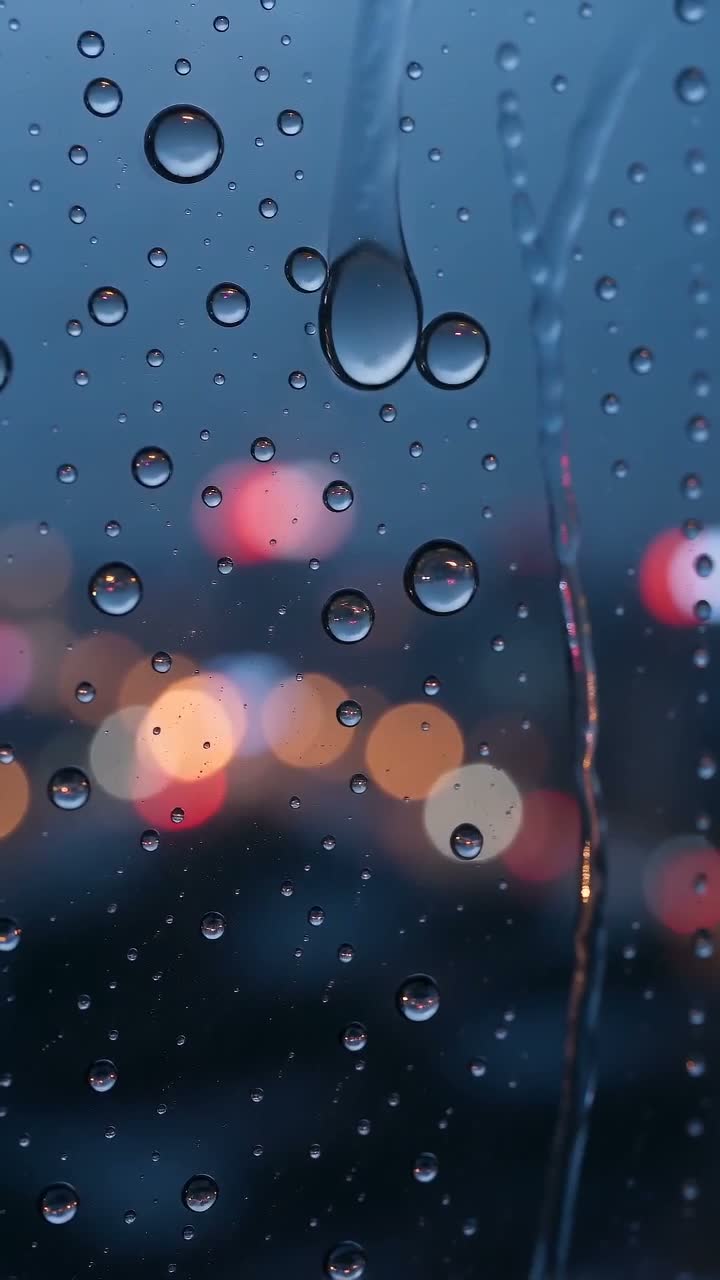
A cinematic close-up of raindrops on a dark window overlooking a softly blurred neon city at blue hour. Deep indigo and muted magenta palette, realistic glass and droplets, no people, no readable text. The camera moves very slowly sideways. Several droplets gently slide down while city lights remain softly out of focus. A single continuous shot with restrained movement, calm dream-pop music-video mood.
Take 3 — dawn reveal
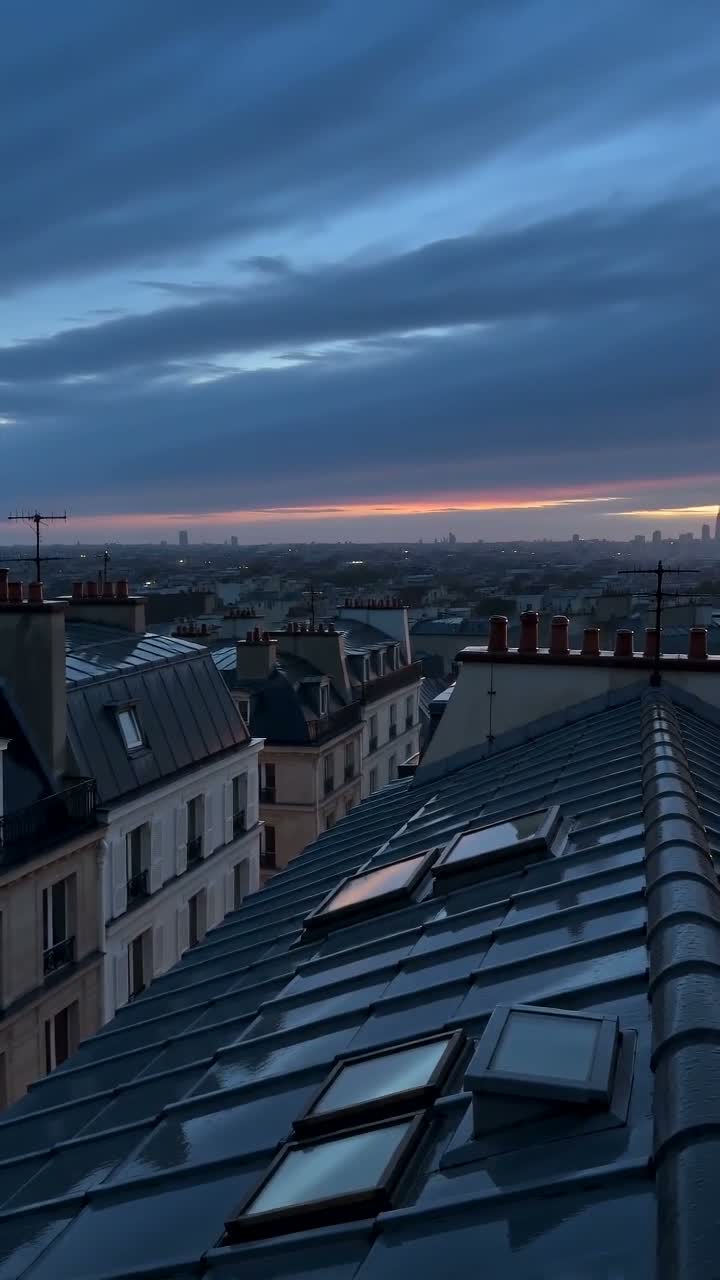
A cinematic view above the quiet rooftops of the same rainy city as blue hour turns into dawn. Deep indigo shadows with a soft muted magenta glow on the horizon, realistic slate rooftops and distant skyline, no people, no signs or text. The camera slowly rises a few meters, revealing the first warm light beyond the rooftops. Thin clouds drift gently. One continuous shot, restrained motion, calm dream-pop music-video mood.
The phrase “same rainy city” is a creative instruction, not shared memory between these independent text-only jobs. Similar colors can suggest a sequence without proving location continuity.
4. Save the files and check them
Keep a local copy before relying on a provider link in a project. Check dimensions, duration and sound before editing. In the first take, the prompt asked for no readable text, but signs resembling words still appeared. Negative instructions did not fully control the result. We retained that take for an atmospheric example; it would need more work for a brief that forbids signage.
5. Cut the pictures to the music
We kept seconds 0–8 of each take and placed the three pieces consecutively. The cut points fall at 8 and 16 seconds, matching the demo score’s phrase changes. We replaced source audio with the score and exported a 720×1280, 24 fps MP4. This keeps the output at the generated resolution rather than presenting an upscale as native extra detail.
The actual edit used FFmpeg, not CapCut. In a timeline editor the equivalent is straightforward: put the song on an audio track, place the three video takes above it, trim each to eight seconds and export. CapCut’s optional automatic beat tools vary by platform and account; a manual timeline remains sufficient for this three-shot example.
The soundtrack was synthesized locally for this case study. The final timeline uses only hard cuts, making the workflow easy to reproduce in a conventional editor.
What this example does—and what to check next
A few separately generated clips can form a coherent mood sequence when their palette and pacing are planned in advance. This example does not establish reliable character identity, exact choreography, lip sync or commercial-grade consistency. Review each output against your own brief rather than treating the prompt as a guarantee.
For your own version, start with one shot, inspect it and only then generate the rest. If you need lyrics or an exact song title on screen, add text in the editor instead of asking the video model to draw it.